
Sticker Studio logo

Sticker Studio

Turn a favorite character, a cozy little moment or a playful idea into sticker artwork. Start with a description or add a reference to make it personal.

Create a sticker

Image inputs

Reference photo (optional)

JPEG, PNG or WebP, up to 4 MB per photo. Firemoon and its media providers process your inputs. Media can be viewed by anyone with its link.

Checking sign-in…

Example output
Refine a character example output

What you can make

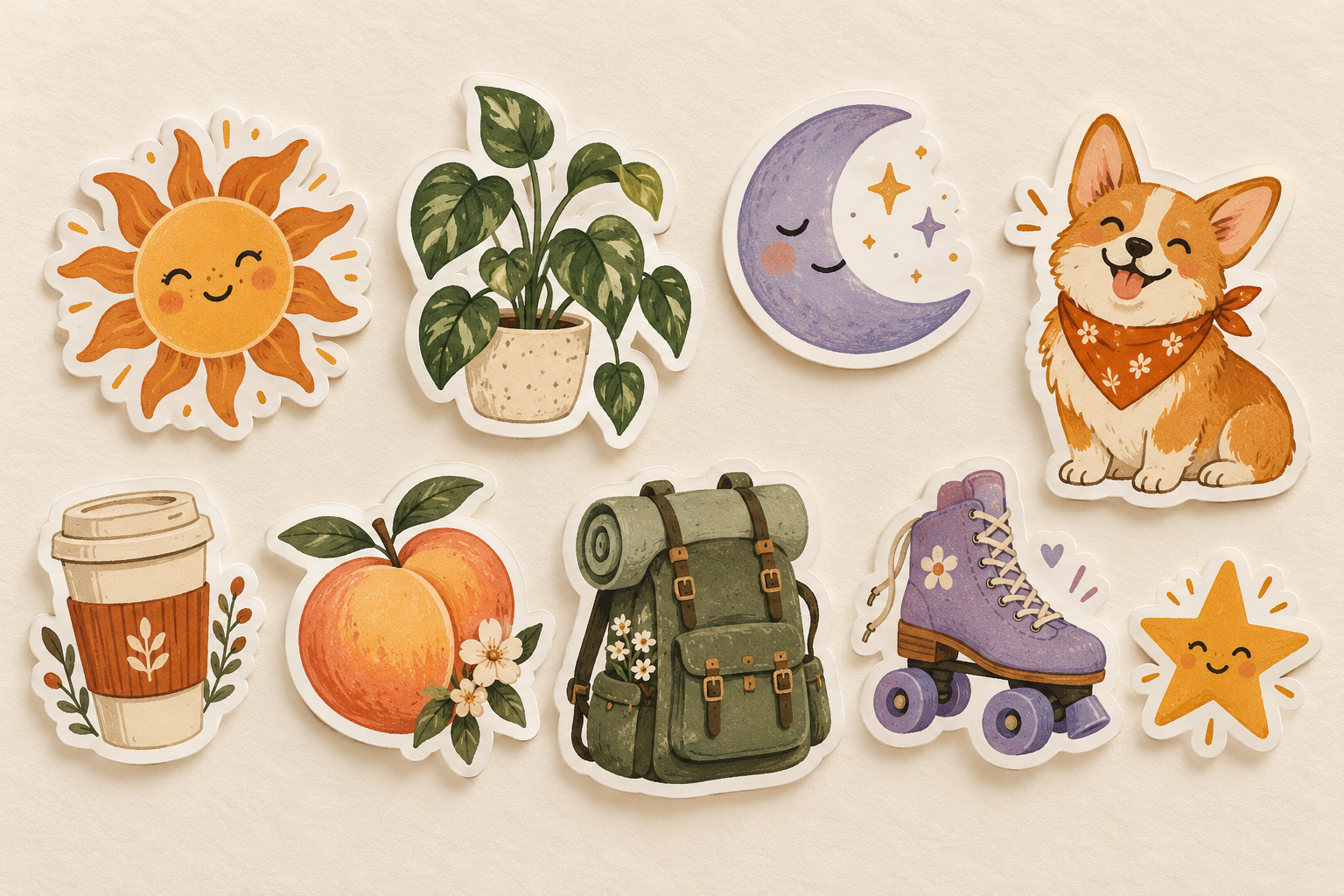
Original illustrated sticker collection including a corgi, coffee cup, plant, sun, moon, peach, backpack, skate and star on cream paper.
Illustrative sticker concepts · AI-generated

Reference image

Example sticker reference

Output

Corgi sticker refined to wear a sage-green bandana.

Refine a character

Use existing artwork as a reference and describe the detail to change.

Input
An existing corgi sticker and a request to change its bandana color.
Output
The refined corgi sticker with a sage-green bandana.

Text prompt

Keep this corgi character and change its bandana to sage green.
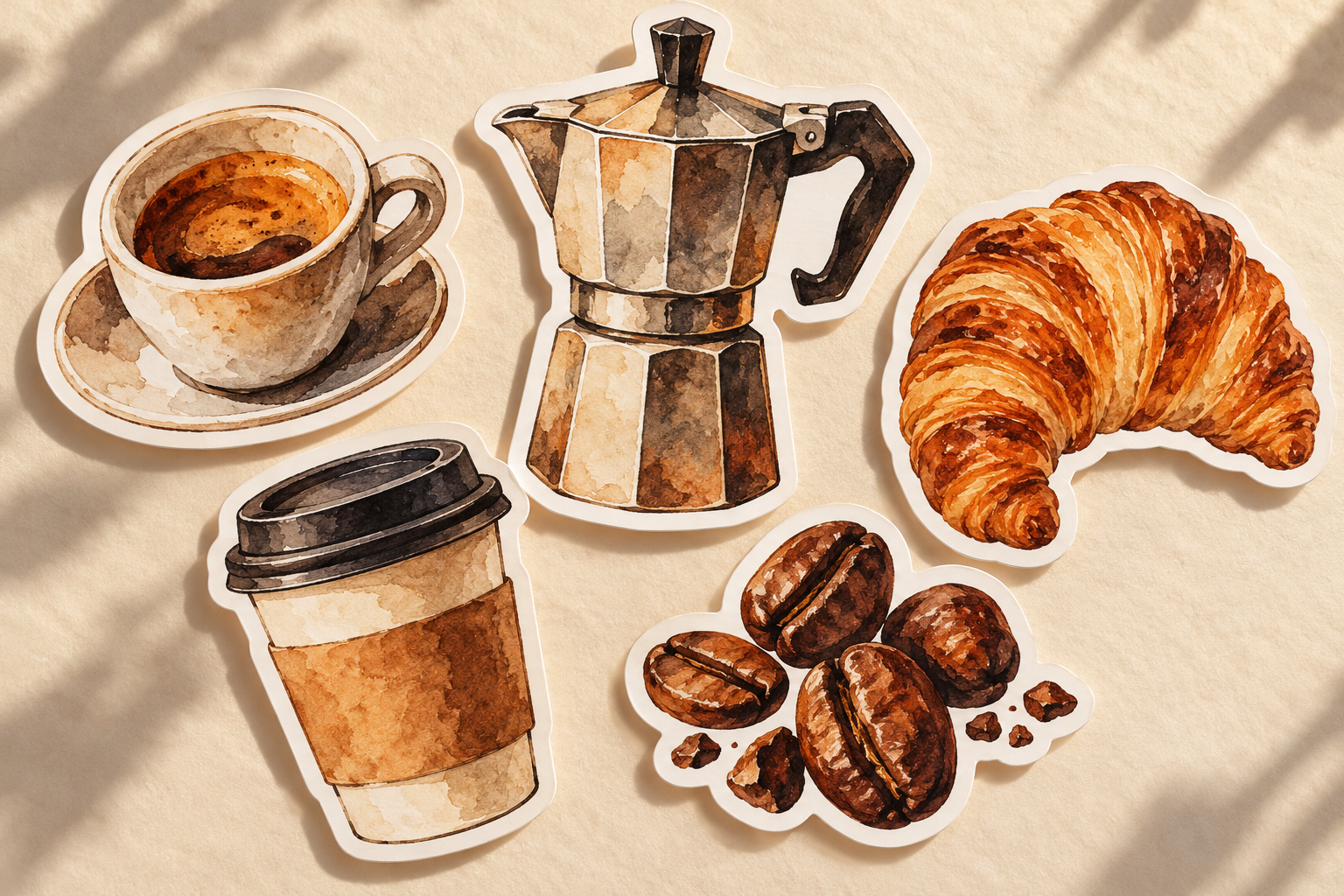
Illustrative coffee-themed sticker collection with cups, a moka pot and croissant.

Make a themed collection

Explore artwork around a shared idea, palette or mood, from morning coffee to tiny adventures.

Input
A written subject and style description; no reference photo is required.
Output
Coffee-themed sticker artwork. This collection illustrates the theme across multiple concepts.

Text prompt

Create a cozy coffee sticker in warm orange and cream.
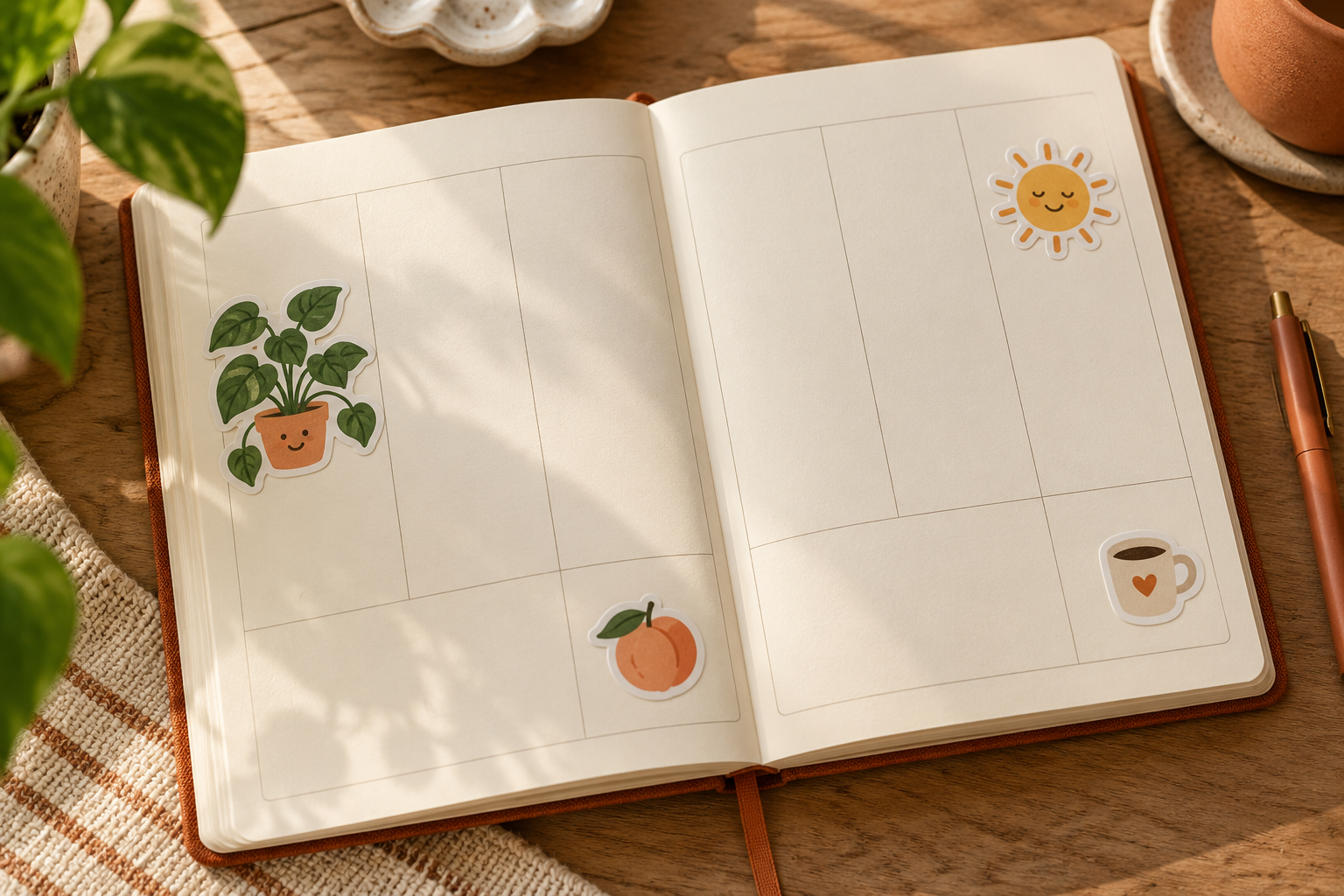
Illustrative plant, sun and coffee stickers arranged on a blank paper planner.

Personalize your projects

Create decorative artwork for digital planners, mood boards, notes or your next personal design.

Input
A written sticker description; no planner upload is required.
Output
A sticker image for your project. The planner shown here is an illustrative placement mockup, not an edited planner or an exported planner file.

Text prompt

Design a happy little plant sticker for my digital planner.

How it works

  1. Pick an idea

    Describe your subject, mood, colors and illustration style.

  2. Make it personal

    Optionally add a real reference image to guide the artwork.

  3. Review and refine

    Compare the result, request a refinement and download the image.

About these examples and your media

Sticker Studio creates image artwork. Likeness, lettering and edges may vary; review the image before use. Printing, physical fulfillment and messaging-app installation are not included. A connected Firemoon account is required for generation.

Gallery examples include illustrative concepts rather than actual conversions. Firemoon and its media providers process inputs. Anyone holding an output link can view that media.